Templates
The sheet that says where each detail of a property should land on your website. Technical section — most of the time you never touch it.
Ts-Immo knows a property in one single shape — a price, an area, a city, photos. Your website's outfit — its theme — expects those same details in its own boxes, with its own names. The template is the correspondence sheet between the two: it says what goes where.
What Ts-Immo knows
The box your theme expects
Price — €615,000_prix_bienArea — 96 m²_surface_habitableBedrooms — 3_nb_chambresCity — Lyon_ville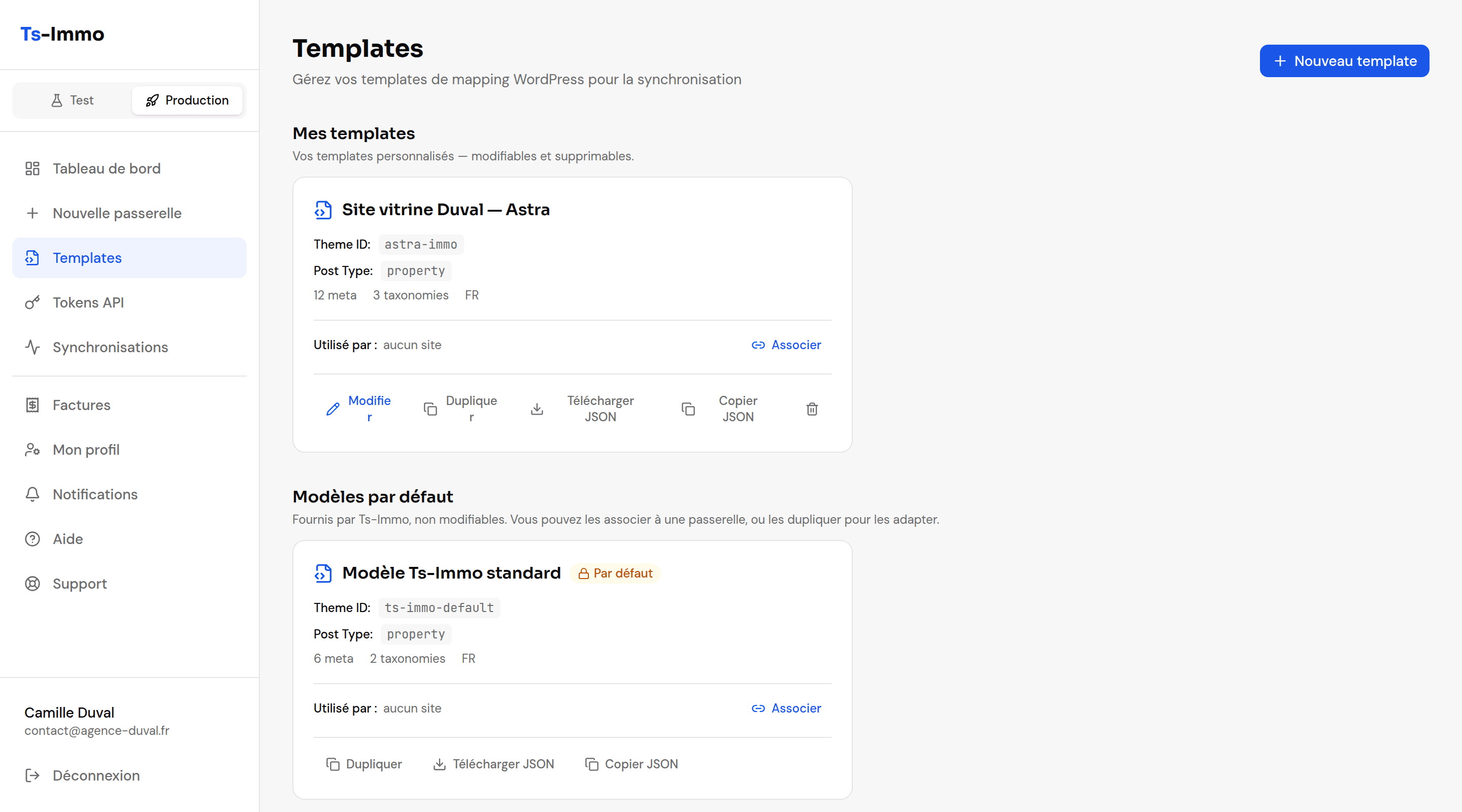
Do you actually need to touch this?
Most of the time, no — but here are the four symptoms that should bring you back. In all four the cause is the same: a piece of Ts-Immo information is not landing in the box your theme looks at.
- Properties appear but the price or area stays empty → the detail does leave Ts-Immo, but lands in a box your theme does not look at.
- Properties do not land in the right categories (property type, city, district) → those are the classifications, called "taxonomies" in the editor.
- Photos do not show in the gallery → they are stored somewhere your theme does not look.
- Your sold properties stay published instead of being taken down → that is the setting saying what a property becomes based on its status.
What a template holds
| Section | What it does |
|---|---|
| General information | The template name, the target theme identifier, and which language to prefer when a property is described in several. |
| Publication statuses | What a property becomes in WordPress depending on its Ts-Immo status: "sold" → draft, "available" → published, and so on. |
| Meta mappings | The core: each Ts-Immo field (price, area, bedrooms, energy rating…) matched to the key your theme uses. |
| Taxonomies | The classifications: property type, city, district — mapped onto your theme categories. |
| Image gallery | Where and how photos are stored so your theme finds them. |
The assistant: the easy way
The Assistant tab in the editor saves you from guessing field names. You pick a gateway, then a real property, and visually match each Ts-Immo piece of information to the matching WordPress field, seeing the actual value.
Applying a template
- 1
Save your template.
- 2
Link it to the gateway you want.
From the editor (Linked WordPress site section), or from the gateway itself.
- 3
Run a sync.
The template only applies to properties sent again. A manual sync applies the changes right away.