Test and production
Two separate environments: a sandbox to try things out, and your real business.
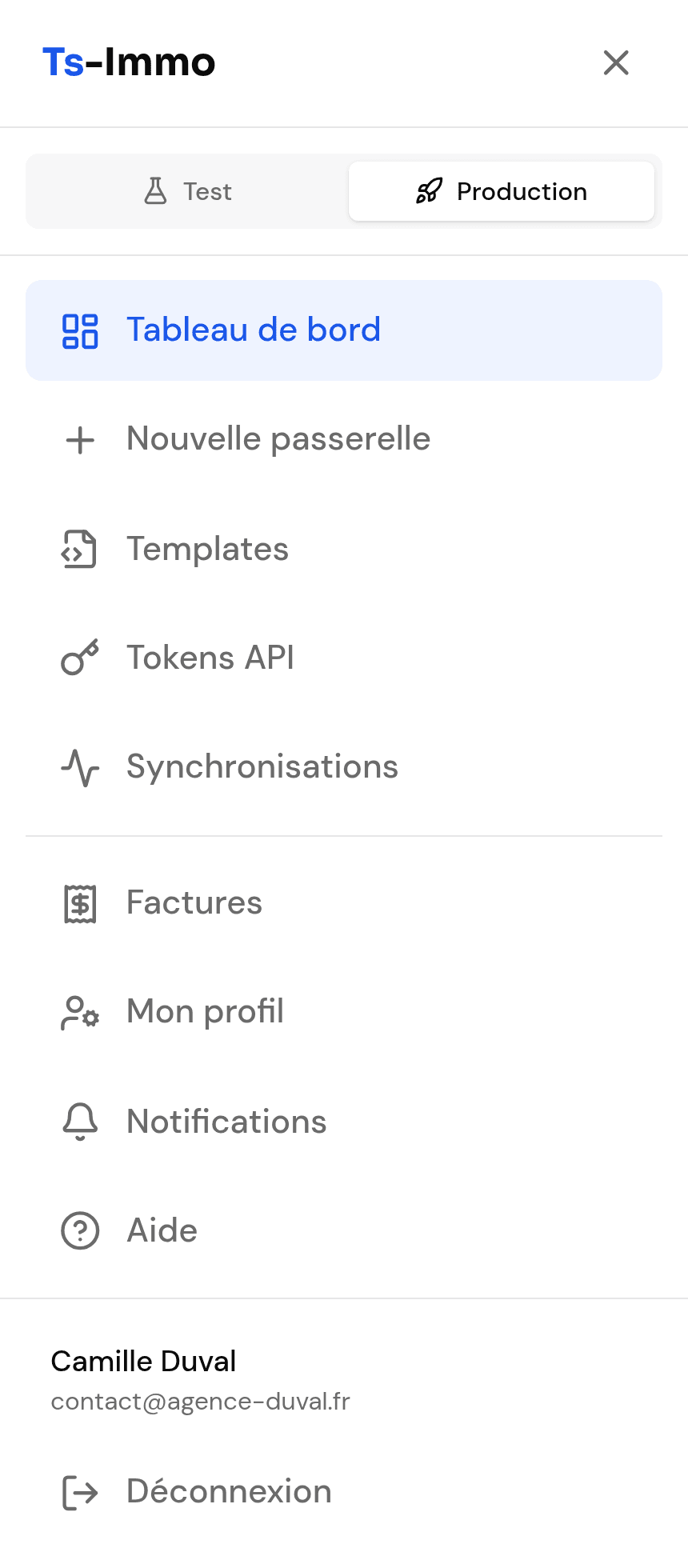
The dashboard exists in two parallel versions: Production, your real business, and Test, a sandbox. The selector at the top of the menu switches between them.
What test mode is for
- See what a gateway and the creation flow look like without paying.
- Check your CRM credentials work, before committing.
- Try a template on a staging site without touching the live one.
What test mode does not do
| Test | Production | |
|---|---|---|
| Automatic sync | No — manual only | Yes, per your plan |
| Gateway lifetime | Automatically deleted 15 days after creation | As long as the subscription is active |
| Payment | Simulated, no charge | Real, invoiced |