My properties and AI search
All your listings in one place, whatever their gateway — and finding them by simply describing what you are after.
My properties (menu Properties) gathers every listing you can view, across all gateways: yours, and the ones another agency delegated to you. It is the page to open when you are looking for a listing without knowing which gateway it comes from.
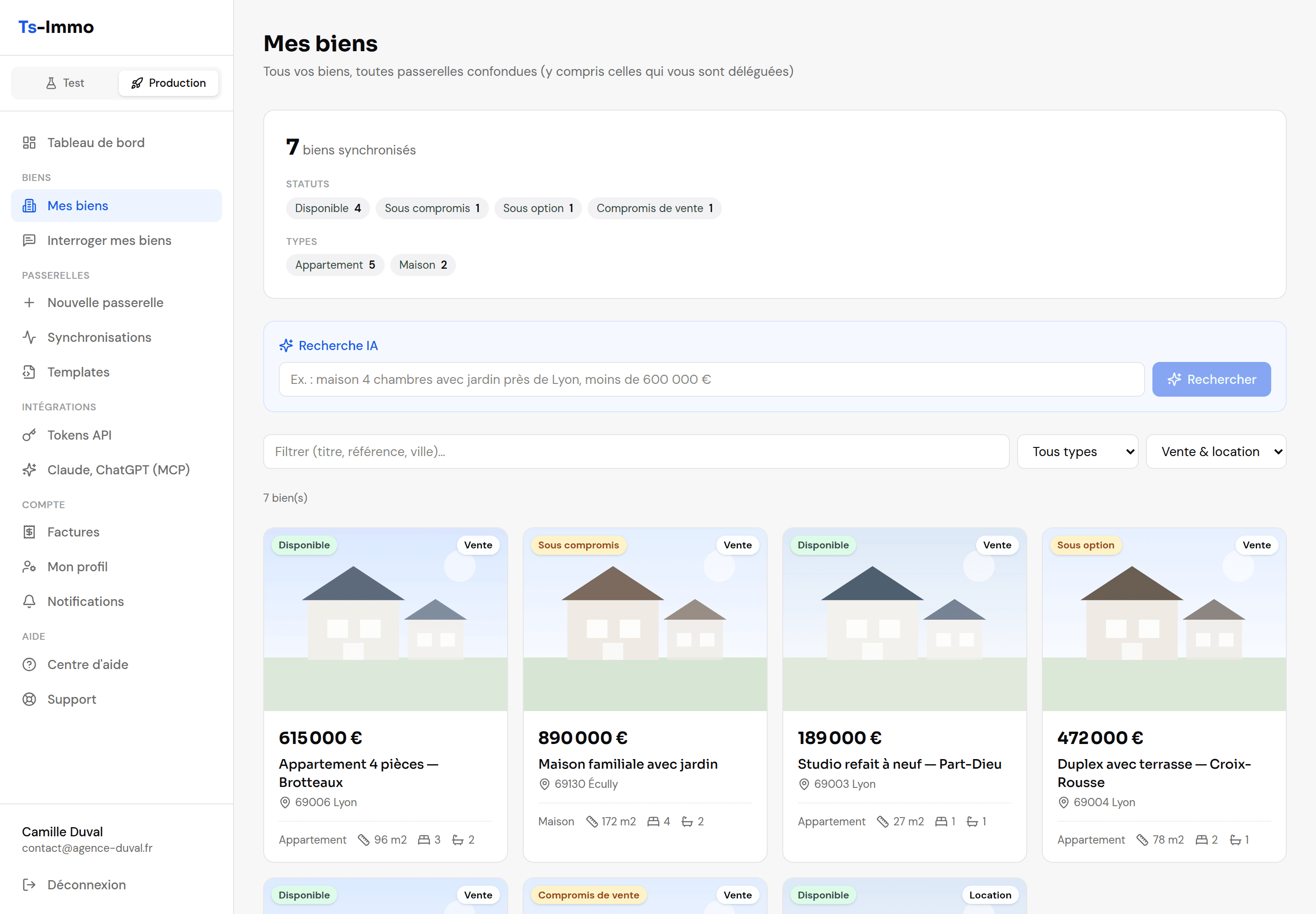
Filtering the list
- Text search: a word from the title, a reference or a city.
- Type (house, apartment…) and offer (sale, rental).
- Gateway, when you have several. The gateway name is also shown on each card.
A card leads to the full property page, the same as from a gateway’s list.
AI search
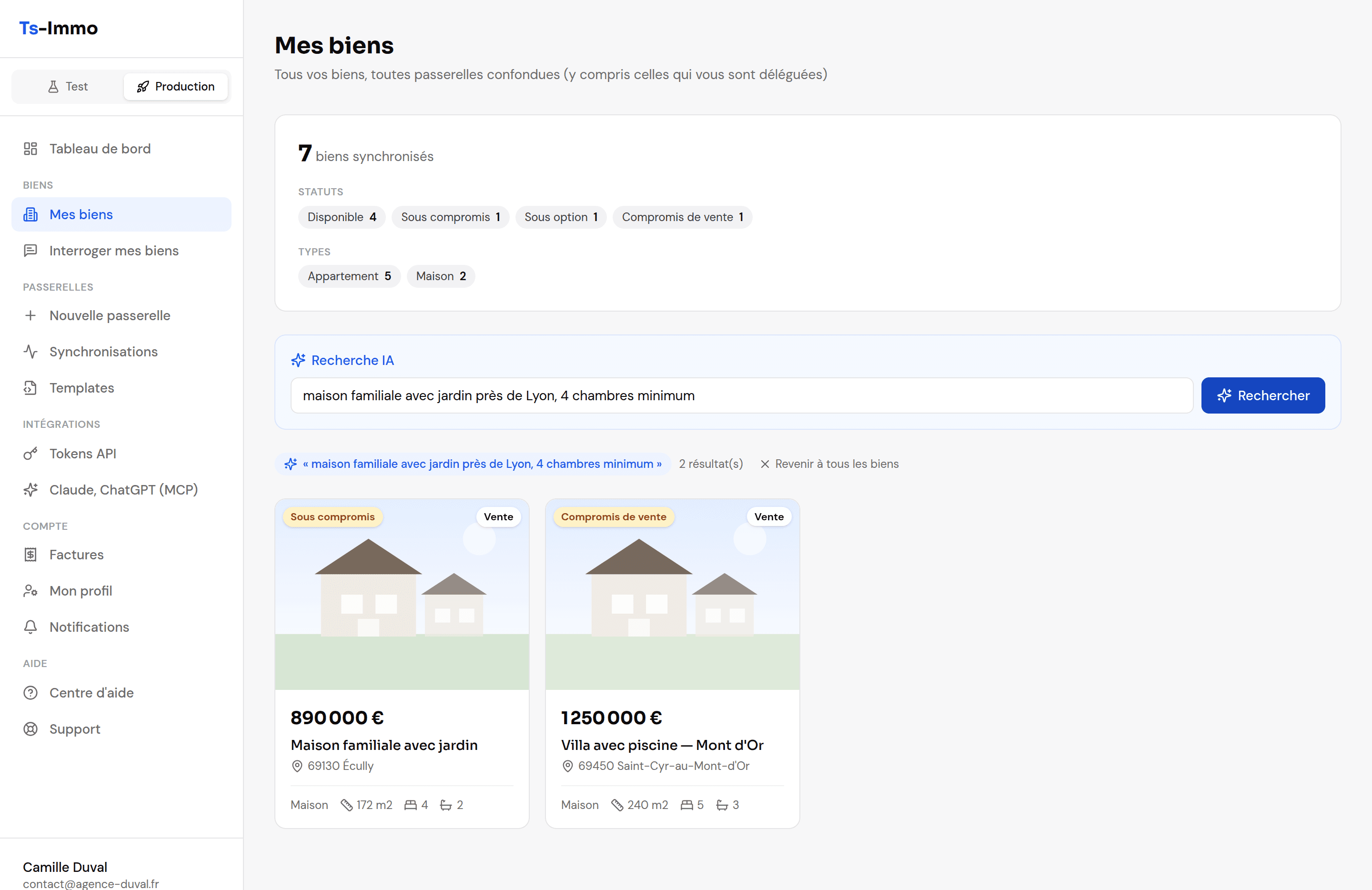
Filters require knowing what you want in terms of fields. AI search takes the request the way your client phrases it: “family house with a garden near Lyon, at least 4 bedrooms”, “student studio under €600” — and turns it into criteria itself.
- 1
Type your request in the “AI search” field.
One sentence is enough. Budget, floor area, bedrooms, city, property type, features: all in everyday language.
- 2
Click “Search”.
The list is replaced by the matching listings. If there are many, a button loads more.
- 3
“Back to all properties” clears the search.
- Where it searches. Only in gateways with the Search & navigation extension; the page shows how many it covers.
- When it does not appear. None of your gateways has the extension: the field is hidden, and the usual filters remain available.
- Too many searches in a row. If a message asks you to wait, give it a few seconds before searching again.