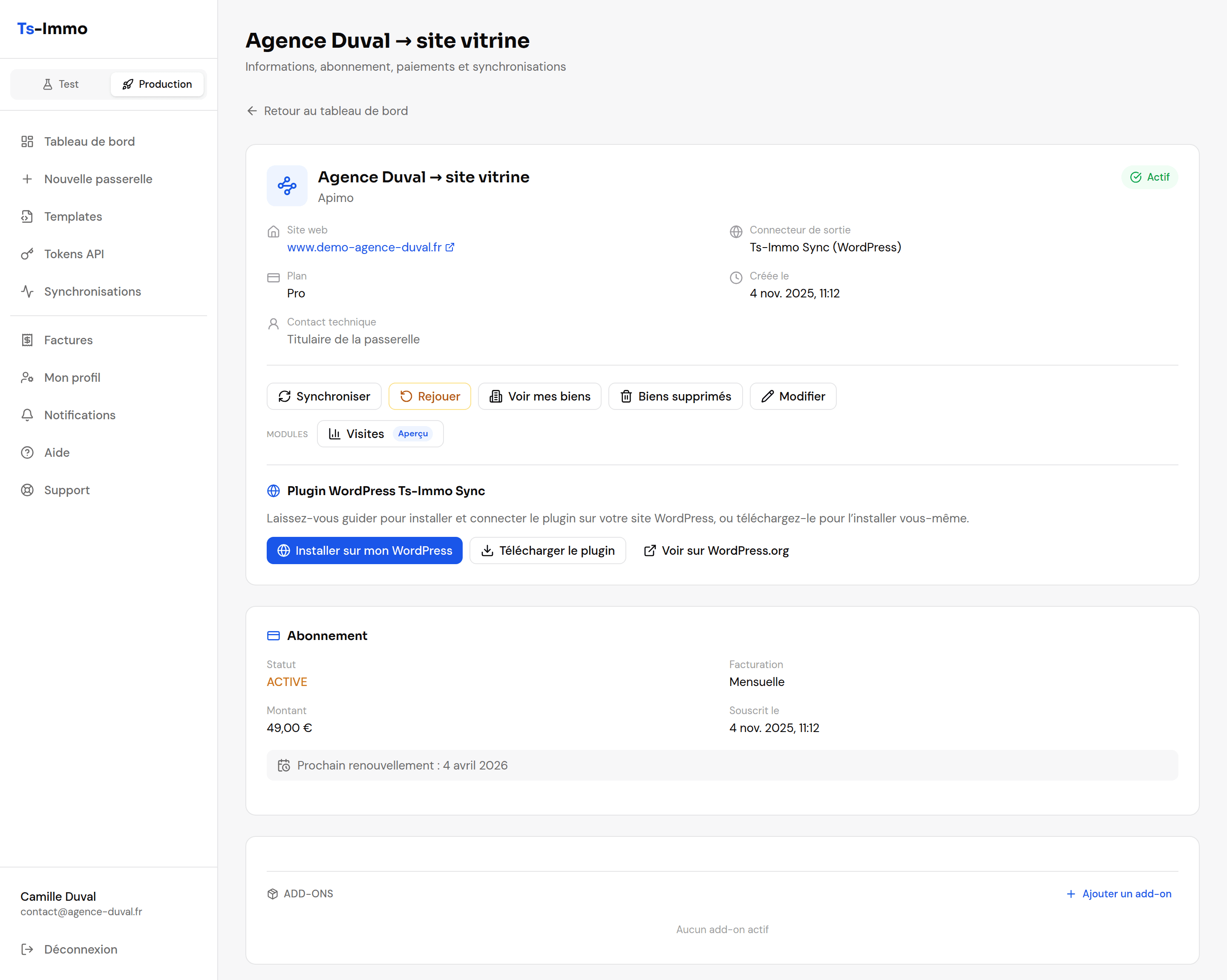
Gateways
The dashboard’s core concept: what a gateway holds, how to create it and change it.
A gateway is a pipe between two points: on one side the software where your properties live, on the other the website where they should appear. The plug at each end is called a connector — your software on the input side, your website on the output side. Everything else — subscription, syncs, properties — hangs off a gateway.
The input
Your software: Apimo, Hektor, Netty… One per gateway.
The gateway
Fetches, cleans and keeps your properties in the Ts-Immo format, whatever the source software.
The output
Your website: the Ts-Immo Sync WordPress plugin, or an HTTP push to a custom site.
Creating a gateway
The New gateway form walks you through it step by step. You can go back at any point: nothing is created until you confirm payment.
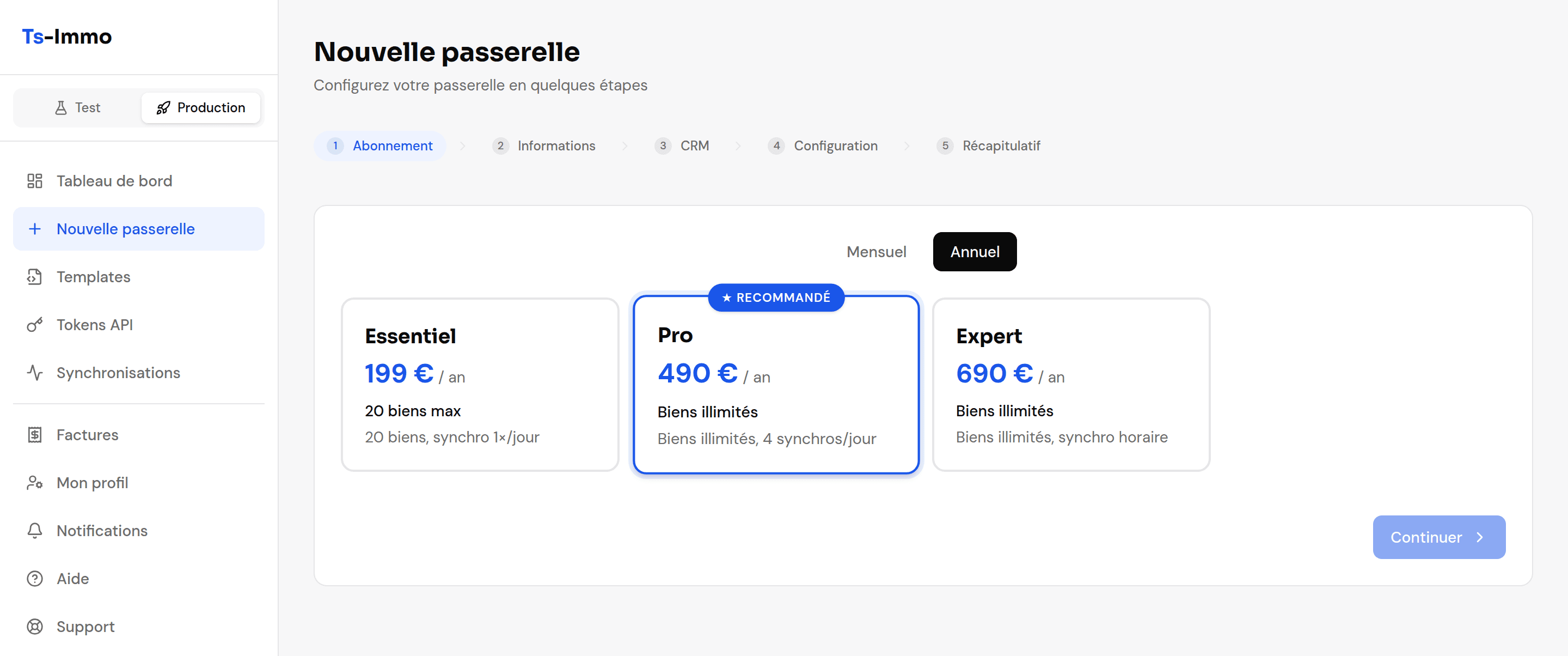
1. The plan
Plans differ by the number of properties allowed and the sync frequency. Pick the frequency you actually need first: that is what decides how fresh your website is.
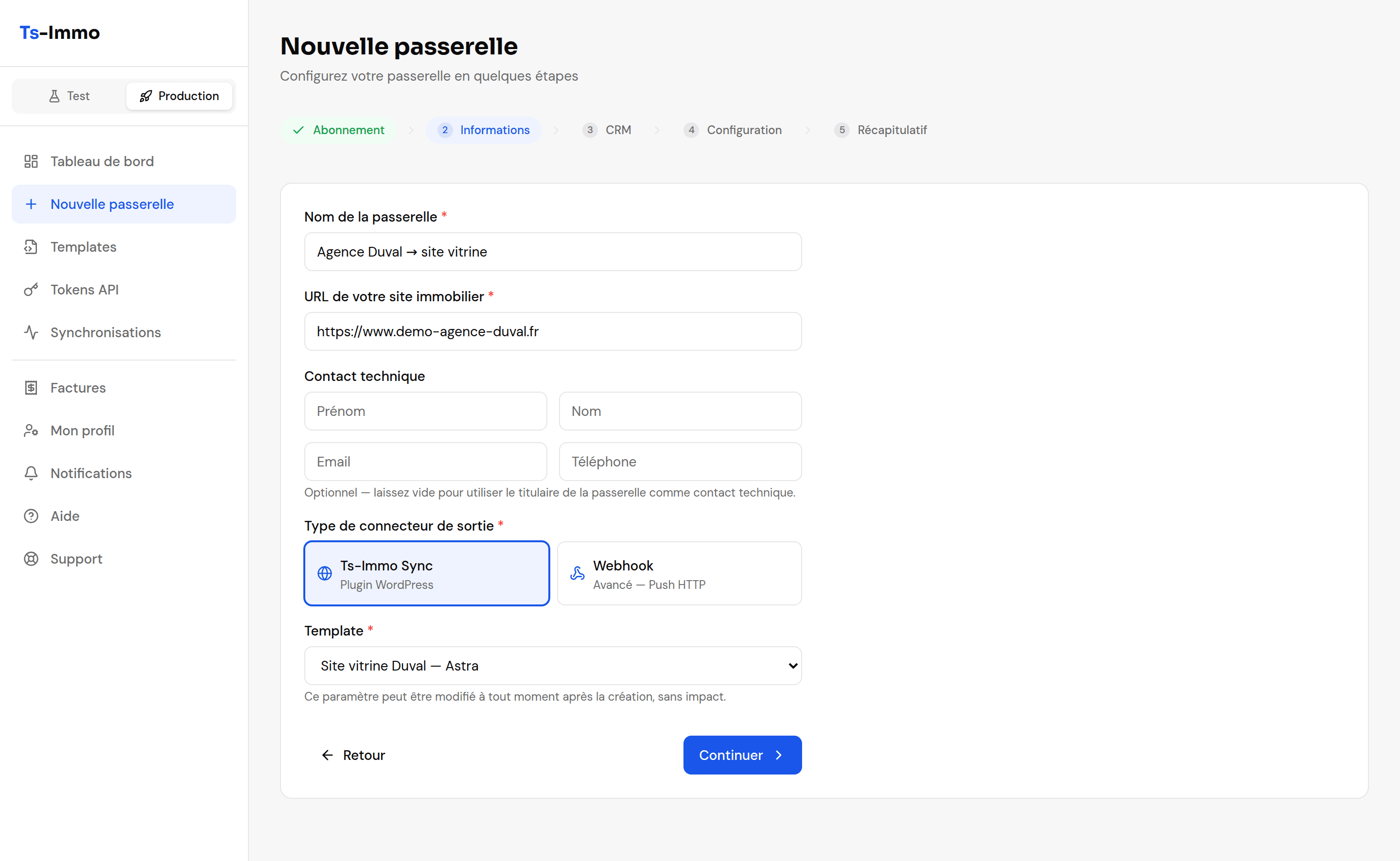
2. Website details
The gateway name only helps you find it in the list — use something meaningful, like "Lyon 6 branch → main site". The website URL is checked: Ts-Immo tests that it responds before letting you continue.
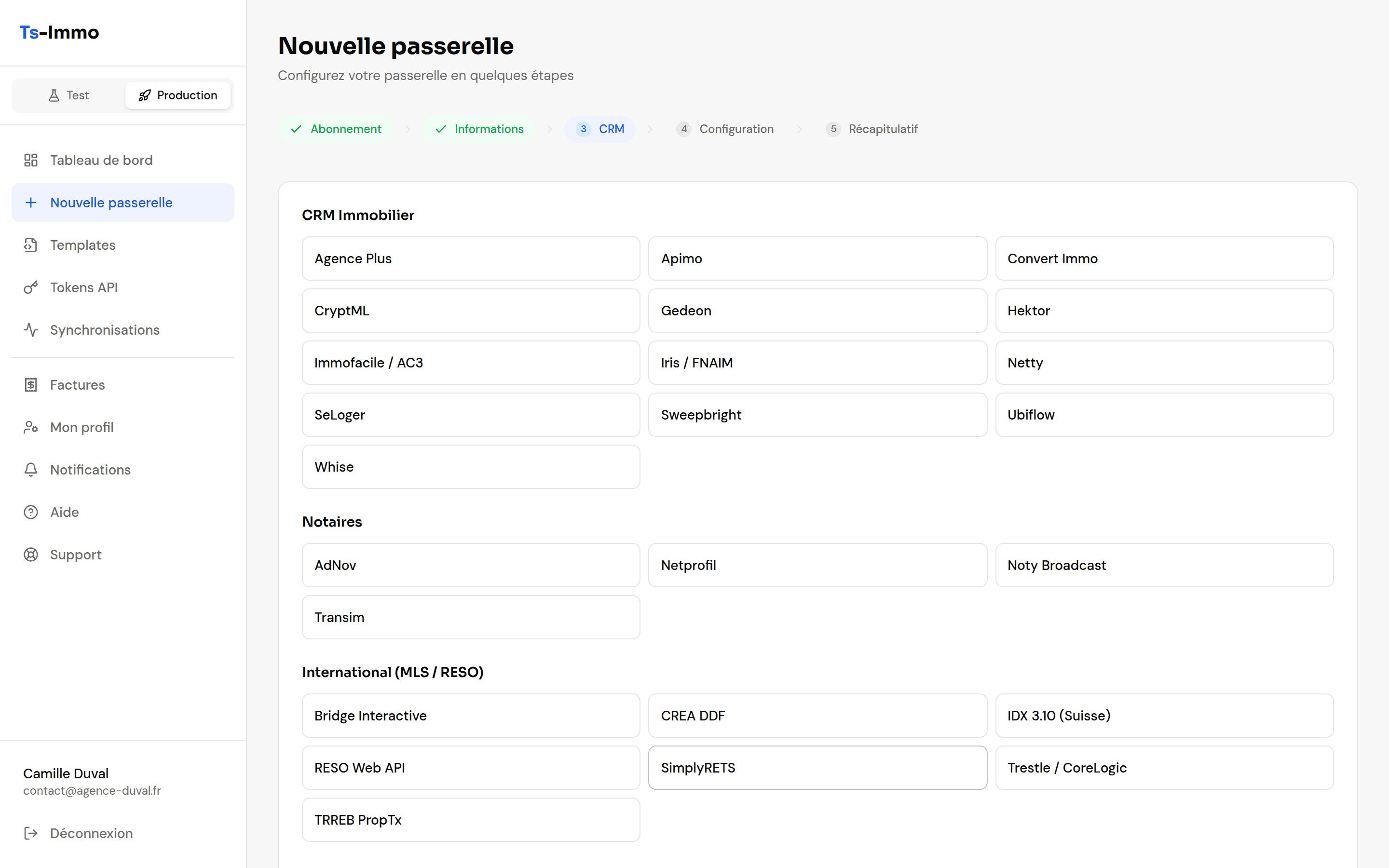
3. The source software
Software is grouped into three families: agencies (transaction CRMs), notaries, and international (MLS / RESO). Pick yours from the list.
4. Credentials
The fields depend on the software you chose: API key, provider ID, agency code, or host / user / password for an FTP access, or simply a feed URL. Your software vendor provides these — an email asking for "the access details for a Ts-Immo feed" is usually enough.
5. Summary and payment
One last check, then secure payment. The gateway is only created once payment goes through. If payment fails or you close the window midway, your configuration is kept: the dashboard offers to pick up where you left off.
Living with a gateway
| What you want to do | Where to go |
|---|---|
| Force an update right now | Run a sync button on the card |
| See the properties fetched | The gateway → Properties |
| Change CRM credentials | Edit gateway |
| Check the CRM connection responds | Edit gateway → connector test button |
| Follow past syncs | View activity, or the Synchronizations menu |
| Change plan or cancel | Subscription section of the gateway card |